The Michigan DNR Hunt Fish App
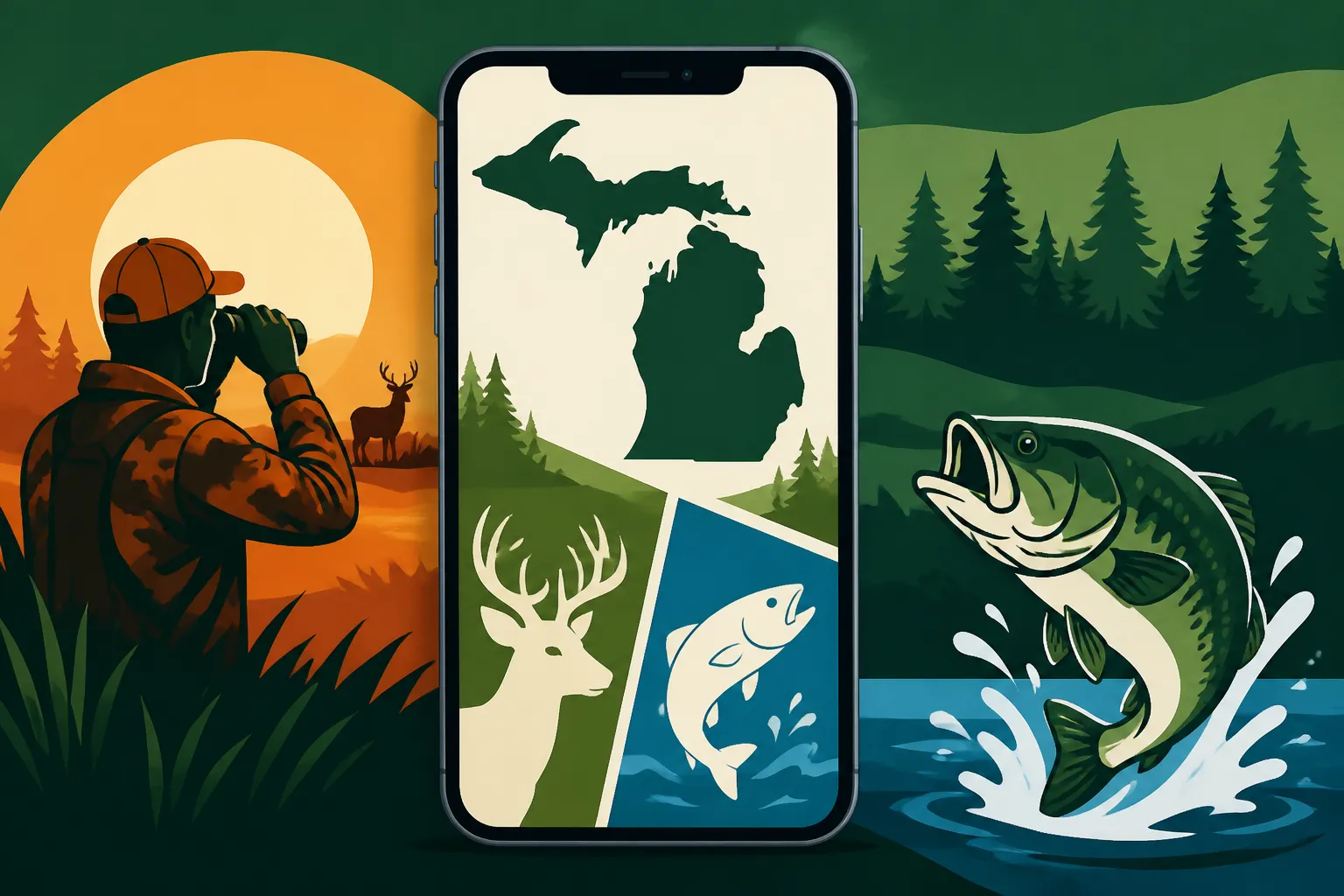
There's nothing quite like the excitement of a new hunting season in Michigan, but let's be honest, the administrative side of things can sometimes feel like a tangled mess. Remembering to print out all your licenses, keeping track of the latest regulations that seem to change faster than the weather, or fumbling for your phone to call in a harvest from a remote area with zero service – these are real frustrations we've all faced. That's why the Michigan Department of Natural Resources developed a truly indispensable tool: The Michigan DNR Hunt Fish App. This guide is dedicated to showing you exactly how this app can simplify your outdoor adventures, keep you compliant, and ensure you spend more time enjoying Michigan's natural beauty and less time worrying about paperwork.
The Essential Companion for Every Michigan Outdoor Enthusiast
For years, the ritual of preparing for a hunt often involved a trip to a retail store, printing out various licenses, and then carefully stashing them away, hoping they wouldn't get lost or ruined by a sudden downpour. Then came the annual scramble to find the latest regulation booklet, flipping through pages, and trying to decipher complex rules while standing in the woods. These aren't just minor inconveniences; they're genuine headaches that can add unnecessary stress to what should be a peaceful, enjoyable experience. The Michigan DNR Hunt Fish App directly addresses these pain points by consolidating crucial information and functionalities into a single, user-friendly digital platform.
Imagine being able to access all your purchased hunting and fishing licenses, read the most up-to-date regulations for every species, report your harvest instantly, and even navigate public land, all from the palm of your hand. This isn't just about convenience; it's about empowerment. It means less time stressing over logistics and more time focused on the hunt, knowing you're fully compliant with Michigan's wildlife laws. The app acts as a central hub, making it easier than ever to manage your outdoor life in our beautiful state, adapting to the mobile-first world we live in. It's a game-changer for anyone who spends time hunting or fishing across Michigan's diverse landscapes.
Unpacking the Michigan DNR Hunt Fish App's Core Features
The true power of the Michigan DNR Hunt Fish App lies in its robust suite of features, each designed to make your outdoor pursuits simpler and more streamlined. It's more than just a digital copy of your license; it's a comprehensive toolbox that addresses many common hunter needs.
Digital License Storage and Validation
One of the biggest reliefs this app offers is the ability to carry all your hunting and fishing licenses digitally. Think about the panic when you reach into your wallet or vest pocket and realize your printed license isn't there, or it's turned into a soggy mess after an unexpected rain shower. With the app, that worry largely disappears. Once you've purchased your licenses, whether for a deer tag or a spring turkey hunt, they automatically populate within your profile on the app.
This means that if a conservation officer approaches you in the field, you can simply pull out your phone and display your valid credentials. It's accepted as legal proof of your license, provided your device is functional. This feature is a tremendous benefit, especially for those of us who have a knack for misplacing important papers. For anyone interested in the specifics of what these licenses entail, you can always refer to detailed guides like Michigan Hunting Licences and What They Cost or The Michigan Base Licence Explained. Having these readily available means you can quickly verify your eligibility and avoid any potential misunderstandings while enjoying your time outdoors.
Real-time Regulations and Guides
Michigan's hunting and fishing regulations can be complex and are subject to change, sometimes even mid-season. Relying solely on a printed booklet from the beginning of the year can lead to unintentional violations. The app ensures you have access to the most current regulations for all species, including deer, bear, turkey, small game, and waterfowl.
Imagine you're deep in the woods, wondering about the specific antler point restrictions for the Deer Management Unit you're in, or double-checking the "Michigan Baiting and Feeding Rules" before setting up your stand. Instead of hiking back to your truck for a physical booklet or hoping for a strong enough signal to pull up a web page, you can access all the relevant information directly through the app. This includes season dates, bag limits, shooting hours (which you can verify against Michigan Legal Shooting Hours), and even specific rules for special hunts like the Liberty Hunt or the Early Antlerless Firearm Weekend. For example, if you're planning a trip, quickly checking Michigan Deer Seasons and Tags or Michigan Spring Turkey Applications and Units through the app means you're always operating with the latest information, keeping you on the right side of the law.
Instant Harvest Reporting
Another incredibly useful feature, and one that contributes directly to Michigan's wildlife management, is the ability to report your harvest right from the field. Gone are the days of needing to find a landline, wait for cell service, or remember to report a deer within 72 hours of taking it. This system makes the process nearly instantaneous and incredibly convenient.
Let's say you've just taken a deer on a crisp November morning. After field dressing, you can immediately open the app, enter the required details about your harvest, and submit it with a few taps. This not only ensures you comply with the "Reporting a Michigan Harvest in 72 Hours" rule, but it also provides vital data to the DNR for population management and health monitoring. It’s a win-win: you fulfill your legal obligation easily, and the state gets critical information to ensure healthy wildlife populations for future generations of hunters. This is especially important for species like bear, where successful hunters need to register their kill, and the app simplifies this process considerably. For those participating in special draws, understanding Michigan Bear Licence Drawing and subsequently reporting is crucial.
Interactive Maps and Public Land Navigation
While dedicated mapping apps like GoHunt offer incredibly detailed overlays and planning tools, the Michigan DNR Hunt Fish App provides essential, official mapping functionalities, particularly concerning public and private land boundaries. You can view interactive maps that display state game areas, state forests, and other public lands across Michigan.
This feature is invaluable for hunters, especially those who frequent public land. You can pinpoint your exact location using your phone's GPS, see where public land ends and private land begins, and even mark waypoints. This helps prevent accidental trespassing and allows you to better plan your movements. While an app like GoHunt might offer more robust features for detailed topographic analysis or advanced planning, the DNR app serves as a crucial, official source for land status. It's a fantastic complement to more in-depth mapping tools and can be especially helpful when you're scouting new areas or navigating unfamiliar terrain. Even if you're familiar with using the Using Mi-HUNT on a Phone web map, having this functionality integrated directly into your hunting app is a significant advantage.
Checking Drawn Applications and Preference Points
Applying for limited-access hunts, such as those for bear or elk, or even specific turkey units, often involves a nerve-wracking waiting period for drawing results. The app eliminates this suspense by allowing you to instantly check the status of your applications and track your preference points.
No more waiting for a letter in the mail or constantly refreshing a webpage. With the app, you can see if you've drawn a coveted tag for Michigan Bear Licence Drawing or verified your successful application for a specific hunt period. This instant feedback lets you know immediately whether you need to start planning that dream trip or if you'll be building preference points for another year. It streamlines the entire application process, from entry to results, keeping you informed every step of the way.
Here’s a quick overview of how the app streamlines your hunting experience compared to traditional methods:
| Feature | Physical/Traditional Method | DNR Hunt Fish App Benefit |
|---|---|---|
| Licenses & Tags | Paper license, harvest tags | Digital storage, valid proof in the field, quick validation |
| Regulations | Printed regulation booklet | Always up-to-date, searchable, covers all species and specific rules |
| Harvest Reporting | Mail-in card, phone call, website | Instant digital submission, ensures compliance and data collection |
| Interactive Maps | Paper maps, separate GPS unit | Official public/private land boundaries, GPS tracking, offline access |
| Application Status | Mail notification, separate website | Immediate results for lottery hunts, preference point tracking |
| Hunter Safety Info | Manual search, separate course docs | Quick access to requirements like Michigan Hunter Safety Requirement |
| Safety Zones | Memory, experience, separate lookup | Visual reference for Michigan Safety Zone Rules around structures |
| Buying Licenses | Retailer, separate website | Direct link to purchase, integrates immediately to your profile |
Getting Started and Troubleshooting for a Smooth Experience
Adopting any new technology can have its initial hurdles, but getting the Michigan DNR Hunt Fish App up and running is typically a straightforward process. A little preparation can save you a lot of frustration down the road.
Downloading and Setting Up Your Account
The first step is simply downloading the app. It's available on both the Apple App Store for iOS devices and the Google Play Store for Android devices. Just search for "Michigan DNR Hunt Fish." Once downloaded, you'll need to log in using your existing Michigan DNR E-License account credentials. This is the same login you use to purchase licenses online or to check your application status on the DNR website. If you don't have an E-License account yet, you'll be prompted to create one – it's a quick process that links to your customer ID.
It's crucial to ensure your customer ID is correctly linked, as this is how the app retrieves all your purchased licenses, permits, and application history. Take your time during this initial setup to confirm all your personal information is accurate. If you ever need to purchase additional licenses, remember you can always do so directly through the app, which links seamlessly to the Buying Michigan Licences Online portal.
Crucial Offline Access
One of the most important considerations for any app used in the outdoors is its functionality without cell service. We all know those "dead zones" in Michigan, particularly in the Upper Peninsula or deep within state forests, where a signal is a distant memory. The good news is that the DNR Hunt Fish App is designed with offline capability in mind.
Before you head out into the wilderness, especially to areas you know have spotty service, make sure you download your licenses and any relevant map layers to your device. This usually happens automatically upon login and when you view map areas, but it's always wise to manually confirm. Your digital licenses, once downloaded, remain accessible even without a signal. Similarly, map sections that you've viewed or specifically saved can be accessed offline, allowing you to use the GPS tracking and boundary features effectively when you're off the grid. This is a huge advantage over relying solely on a web-based map or needing to carry multiple paper maps.
Common User Issues and Solutions
Like any app, you might occasionally encounter a hiccup. One common issue is login problems. Double-check your username and password, as they are case-sensitive. If you consistently have trouble, you might need to reset your password via the DNR website. Another occasional issue is the app not displaying recently purchased licenses. This usually resolves itself after a few minutes or by logging out and back in, but sometimes a full app update or reinstall might be necessary. Ensure your phone's operating system is also up to date, as older OS versions can sometimes cause compatibility issues.
If you experience persistent problems, the Michigan DNR website has a comprehensive FAQ section for the app, and you can always reach out to their customer service for technical assistance. It's always a good idea to update the app whenever a new version is released, as these updates often include bug fixes and new features, ensuring the smoothest possible experience.
Beyond the Basics: Advanced Tips and Integration with Other Tools
While the core features of the Michigan DNR Hunt Fish App are incredibly useful, understanding how to maximize its potential and integrate it with your overall hunting strategy can elevate your outdoor experience even further.
Integrating with Other Mapping Platforms
Many serious hunters use sophisticated mapping apps like GoHunt, onX Hunt, or BaseMap for their detailed topographic maps, advanced layering options, and comprehensive planning tools. The Michigan DNR Hunt Fish App isn't designed to replace these, but rather to complement them. Think of it as the official source of truth for regulations and land status, which you can then cross-reference with the detailed scouting and planning you do on other platforms.
For example, you might use GoHunt to meticulously scout a new area, identifying potential funnels, bedding areas, and food sources based on satellite imagery and contour lines. Then, you can use the DNR app to quickly confirm the public land boundaries you're planning to hunt on, ensuring you're not inadvertently encroaching on private property. This combination gives you the best of both worlds: the analytical power of commercial mapping tools with the authoritative, up-to-date legal information provided by the DNR. It's about using each tool for its strongest capabilities to create a comprehensive and compliant hunting plan. Even if you rely heavily on the Using Mi-HUNT on a Phone web application for desktop planning, the app provides critical on-the-go verification.
Staying Current with Updates and DNR Communications
The DNR frequently updates the app, sometimes to add new features, but often to integrate changes in regulations or to improve performance. It’s a good habit to allow automatic updates or to manually check for updates regularly. This ensures you always have the latest version, with the most current legal information.
Beyond the app, the DNR uses various channels to communicate important information, such as disease outbreaks, changes in season dates, or special announcements. While the app is a great tool, staying subscribed to DNR newsletters and following their social media can keep you even more informed. For example, if there's an emergency change to Michigan Baiting and Feeding Rules due to CWD, or an update on Michigan Bear Licence Drawing results, these might be communicated broadly before the app itself is updated to reflect every nuance.
Contributing to Conservation and Community
Every time you report a harvest through the app, you're doing more than just fulfilling a legal requirement; you're actively participating in wildlife management. The data collected from hunter harvest reports is vital for biologists to assess population health, track trends, and make informed decisions about future seasons and bag limits. This directly impacts the sustainability of Michigan's wildlife resources, ensuring that future generations have the same opportunities to hunt and fish.
Furthermore, being proficient with the app can also help foster a more responsible and informed hunting community. You can quickly answer questions for fellow hunters about Michigan Safety Zone Rules or where to find information about Michigan Hunter Safety Requirement. By being well-versed in the app's capabilities, you contribute to a culture of compliance and shared knowledge, which benefits everyone who enjoys Michigan's incredible outdoors.
Disclaimer
This guide is intended for informational purposes only and should not be considered legal advice. While the Michigan DNR Hunt Fish App provides official information, it is ultimately the hunter's responsibility to know and abide by all current Michigan hunting and fishing regulations. Always refer to the official Michigan DNR website or regulation handbooks for the most definitive and up-to-date rules. App functionality is dependent on device compatibility and network availability.